Member Sign In
Not a member?

A Wired.com user account lets you create, edit and comment on Webmonkey articles. You will also be able to contribute to the Wired How-To Wiki and comment on news stories at Wired.com.


It's fast and free.

Webmonkey is a property of Wired Digital.
processing...
Join Webmonkey

Please send me occasional e-mail updates about new features and special offers from Wired/Webmonkey.
Yes No

Please send occasional e-mail offers from Wired/Webmonkey affiliated web sites and publications, and carefully selected companies.
Yes No

I understand and agree that registration on or use of this site constitutes agreement to Webmonkey's User Agreement and Privacy Policy.
Webmonkey is a property of Wired Digital.
processing...

Retrieve Sign In

Please enter your e-mail address or username below. Your username and password will be sent to the e-mail address you provided us.

or
Webmonkey is a property of Wired Digital.
processing...

Welcome to Webmonkey

A private profile page has been created for you.
As a member of Webmonkey, you can now:
  • edit articles
  • add to the code library
  • design and write a tutorial
  • comment on any Webmonkey article
Close
Webmonkey is a property of Wired Digital.

Sign In Information Sent

An e-mail has been sent to the e-mail address registered in this account.
If you cannot find it in your in-box, please check your bulk or junk folders.
Sign In
Webmonkey is a property of Wired Digital.

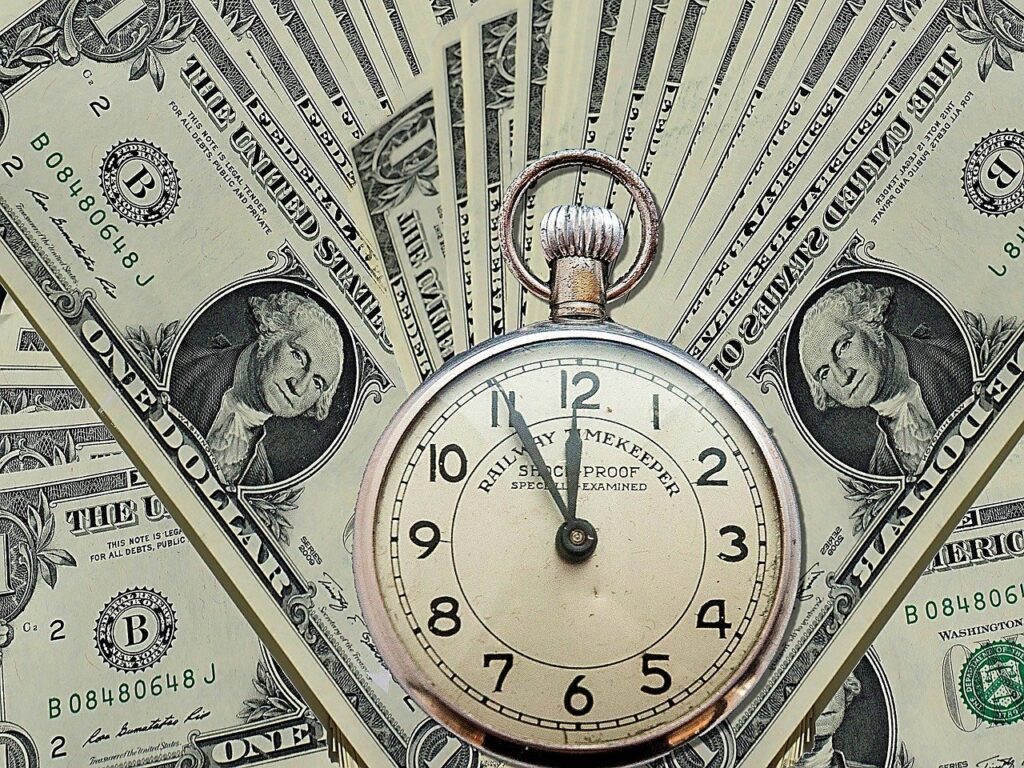
Clock Browser Speeds with Webmonkey’s Stopwatch

With Firefox 3, Opera 9.5 and Safari all claiming “faster than ever” speeds with its latest versions, we started wondering which one is really the fastest. After loading some pages and scratching our heads, we hacked together a small JavaScript stopwatch to find out.

To get started with our stopwatch:

  • If you want to run it on Webmonkey servers, try it out here
  • Download or copy and paste the code from our code library. Running a local copy keeps Webmonkey.com web-hosting times out of the equation and gives you the option to test different URLs
  • Contribute your test results to our ad hoc survey

The code basically subtracts the time between when the browser starts to load a page and when it detects the page has fully loaded. Yes, it is a very unscientific way to test browser speeds, but better than our wristwatch.

In our sample tests, we installed clean versions of our browsers (i.e., no extensions) and cleared the cache before loading the page. We tested each browser a few times and took the best time for each. We timed the refreshed page to gauge how much the browser depends on its hard drive’s cache for speed.

Webmonkey.com, our modest (X)HTML, JavaScript and CSS site:
* Firefox 3 - 6.1 seconds, 3.9 on refresh
* Opera 9.5 - 6.8 seconds, 4.4 on refresh
* Firefox 2 - 6.5 seconds, 4.7 on refresh
* Safari 3.1 - 6.4 seconds, 5.8 on refresh

Picasaweb.google.com, which is loaded with images and AJAX:
* Firefox 3 - 26.6 seconds, 5.7 on refresh
* Opera 9.5 - 138.6 seconds, 8.9 on refresh
* Firefox 2 - 100.6 seconds, 13.1 on refresh
* Safari 3.1 - 69.4 seconds, 46.1 on refresh

The winner of the Webmonkey.com test is unclear — all browsers fall well within a very loose margin of error. The winner of the Picasaweb.google.com test is pretty clearly Firefox 3. The biggest time saves for Firefox 3 hypothetically result from the major improvements in the Gecko rendering engine that handles JavaScript code. Rendering JavaScript has become a focal point for browser development since the emergence of AJAX-heavy web applications.

Our tests also vary depending on connection speed, how the browser renders iframes, web server speeds and the amount of elements on the page. We found that the results and margin of error mirror what the end-user sees when they judge for themselves whether the browser is fast.

There is no ideal way to benchmark browser speeds. However, SunSpider is probably the best way to test rendering of JavaScript at this time. YSlow, a Firebug-based plug-in for Firefox, is capable of showing you the file sizes and download speeds of all components. YSlow is particularly good at pointing out ways to improve your code for speed, but not very good at encompassing browser speeds.

If you have any other ideas for testing browser speeds, include them in the comments. We’ve added the stopwatch to our code library wiki, so feel free to hop in and tinker.

Stay tuned for results from our survey.

Photo courtesy Leo Reynolds via Flickr

Post Comment Comments Permalink Print
Reddit Digg

 
Subscribe now

Special Offer For Webmonkey Users

WIRED magazine:
The first word on how technology is changing our world.

Subscribe for just $10 a year